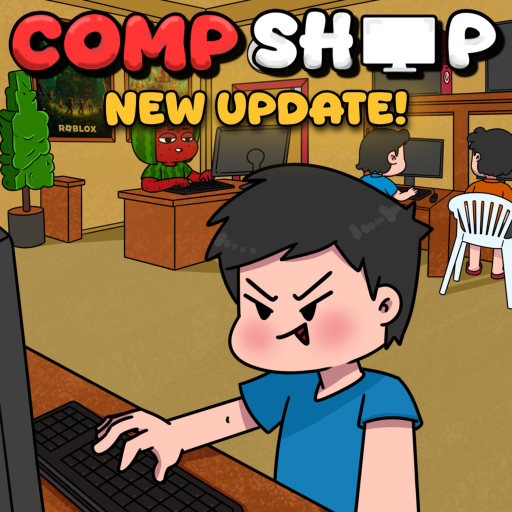
How to Build the Best Compshop
Shop Layout Fundamentals
Your shop layout directly affects how many customers use your PCs simultaneously and how quickly they cycle through stations. A well-designed Compshop maximizes income per square foot while looking appealing enough to attract visitors from the server list.
The best layouts balance function and aesthetics. Prioritize function early in beta — pretty shops with poor PC placement earn less than compact, efficient setups.
PC Station Placement
Place PC stations in a grid or row formation where customers can easily access every slot. Avoid blocking pathways between stations. Leave space for future expansion rather than packing stations into corners.
Put your highest-tier PCs in the most visible positions. Customers gravitate toward impressive setups, and visible legendary rigs advertise your shop to visitors. Reference our PC parts guide for tier priorities.
Decoration Strategy
Decorations serve two purposes: increasing shop appeal rating and creating a welcoming atmosphere that keeps customers longer. Focus on decorations that provide measurable bonuses rather than purely cosmetic items.
See our decorations page for category breakdowns. A good rule: spend no more than 20% of your budget on decorations until all PC slots are filled with mid-tier or better parts.
Food and Service Areas
Food stations keep customers at your shop longer, increasing total payment per visit. Place food areas near PC clusters so customers can grab snacks without leaving. The new food items added in recent beta updates provide both income and customer satisfaction bonuses.
Browse our foods guide for item recommendations. Even basic food options provide a measurable boost over shops without any food service.
Expansion Planning
Expand your shop floor gradually. Each expansion tier costs cash but unlocks more PC slots and decoration space. Time expansions with x2 Cash events when you can afford them without draining your upgrade budget.
Plan your final layout before expanding — moving stations after expansion wastes time. Sketch a simple grid on paper: entrance, PC rows, food corner, decoration walls.
Visiting and Learning from Top Shops
The support and favorite system lets you visit other players' Compshops. Study layouts from high-ranked shops on your server. Note their PC arrangement, decoration density, and food placement.
Adapt ideas to your budget rather than copying expensive setups. A clean, organized small shop often outperforms a cluttered large one in the early and mid game.