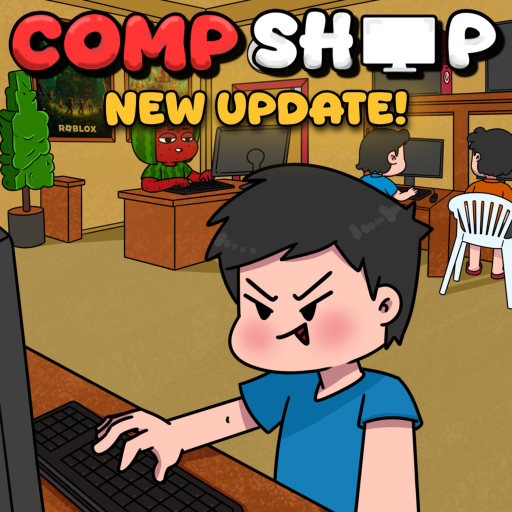
Compshop Build Guide
Build Mode Basics
Build mode in Compshop lets you place, move, and remove PC stations, decorations, and food items within your shop floor. Access build mode through the build icon in the game UI. While in build mode, you can rearrange your entire shop layout without cost.
Understanding build mechanics is essential for optimizing customer flow and preparing for shop expansion. A well-built shop earns significantly more than a poorly arranged one with identical parts.
Shop Expansion Tiers
Your shop starts at a base size and expands through purchasable tiers. Each expansion increases floor space, allowing more PC stations, decoration slots, and food areas. Expansion costs cash and should be timed with your income level.
Expand only when your current floor is fully utilized. An expanded shop with empty space earns no bonus — fill new space with PC stations first, then decorations and food.
Placing PC Stations
PC stations are your primary income source and should occupy the central area of your shop. Place them in organized rows with clear pathways between each station. Avoid clustering stations in corners where customer pathfinding may fail.
Refer to our PC parts guide for which components to install after placing stations.
Decoration and Food Placement
Decorations go along walls and in corners — never blocking PC access paths. Food stations sit near PC clusters for customer convenience. See dedicated guides for decorations and foods.
Use build mode to experiment with layouts at no cost. Test different arrangements and observe customer behavior before committing to a final design.
Optimal Layout Patterns
Three proven layout patterns work well in Compshop beta.
- Grid Layout — PC stations in equal rows, best for maximum station count.
- L-Shape — PCs along two walls, open center for food and social space.
- Showcase — featured legendary PC at entrance, remaining stations in back rows.
Build Mode Tips
Rebuild your layout during off-peak hours to avoid disrupting active customers. After major expansion, immediately place new PC stations before decorating. Visit our best shop guide for strategic layout advice beyond technical mechanics.